Guide · Updated 6 August 2026
How to set up a fundraising marketplace, step by step.
Marketplace is for the merchandise table, the raffle prize, the extra bottle of wine — fixed-price items donors buy on the spot, no bidding. It’s the smallest setup on the platform; here’s the whole thing.
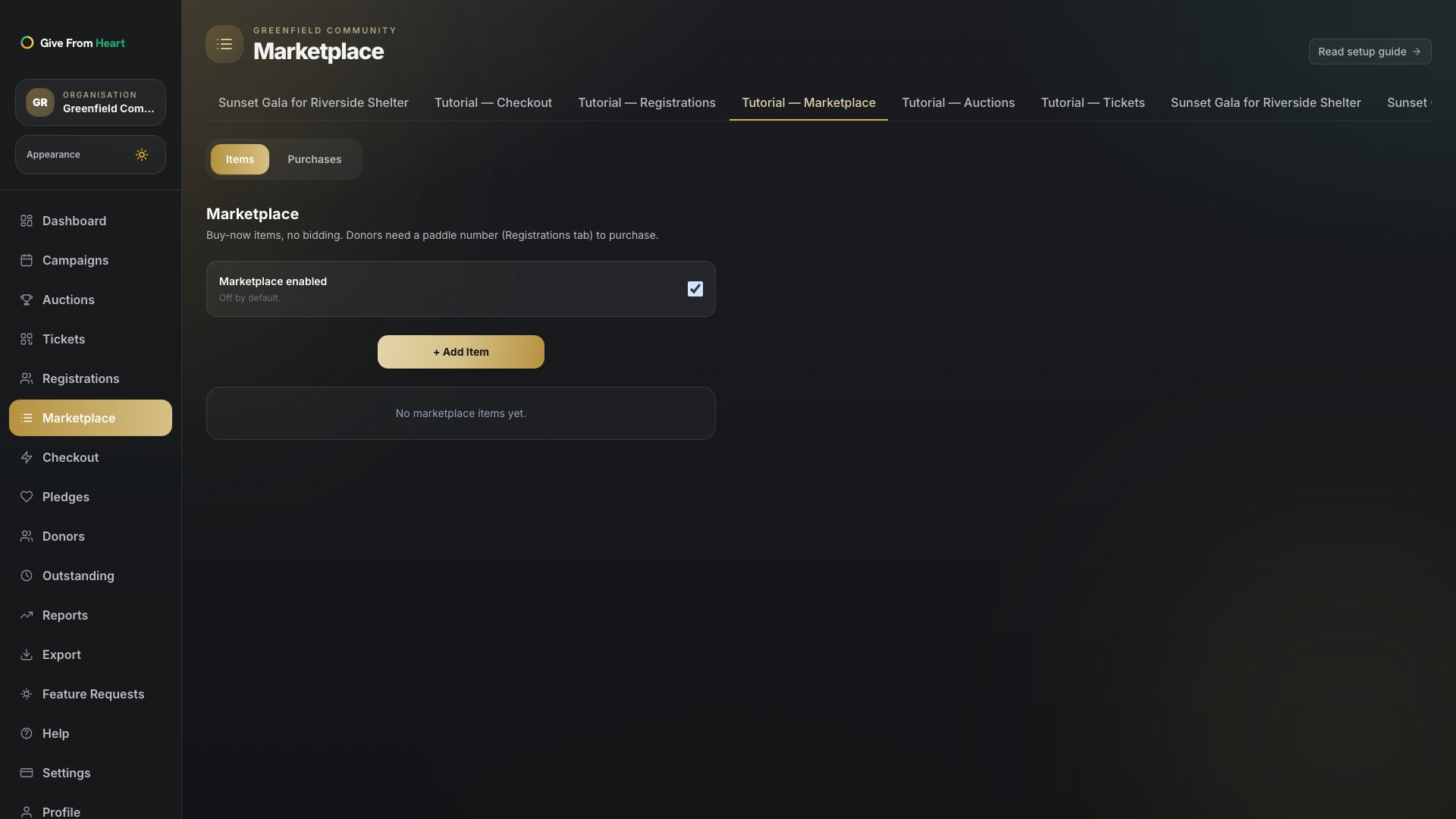
1. Open Marketplace
From a campaign, go to Marketplace in the left nav. It opens on Items, empty until you add your first one — Purchases is the second tab, where you can cancel an order before it’s invoiced.
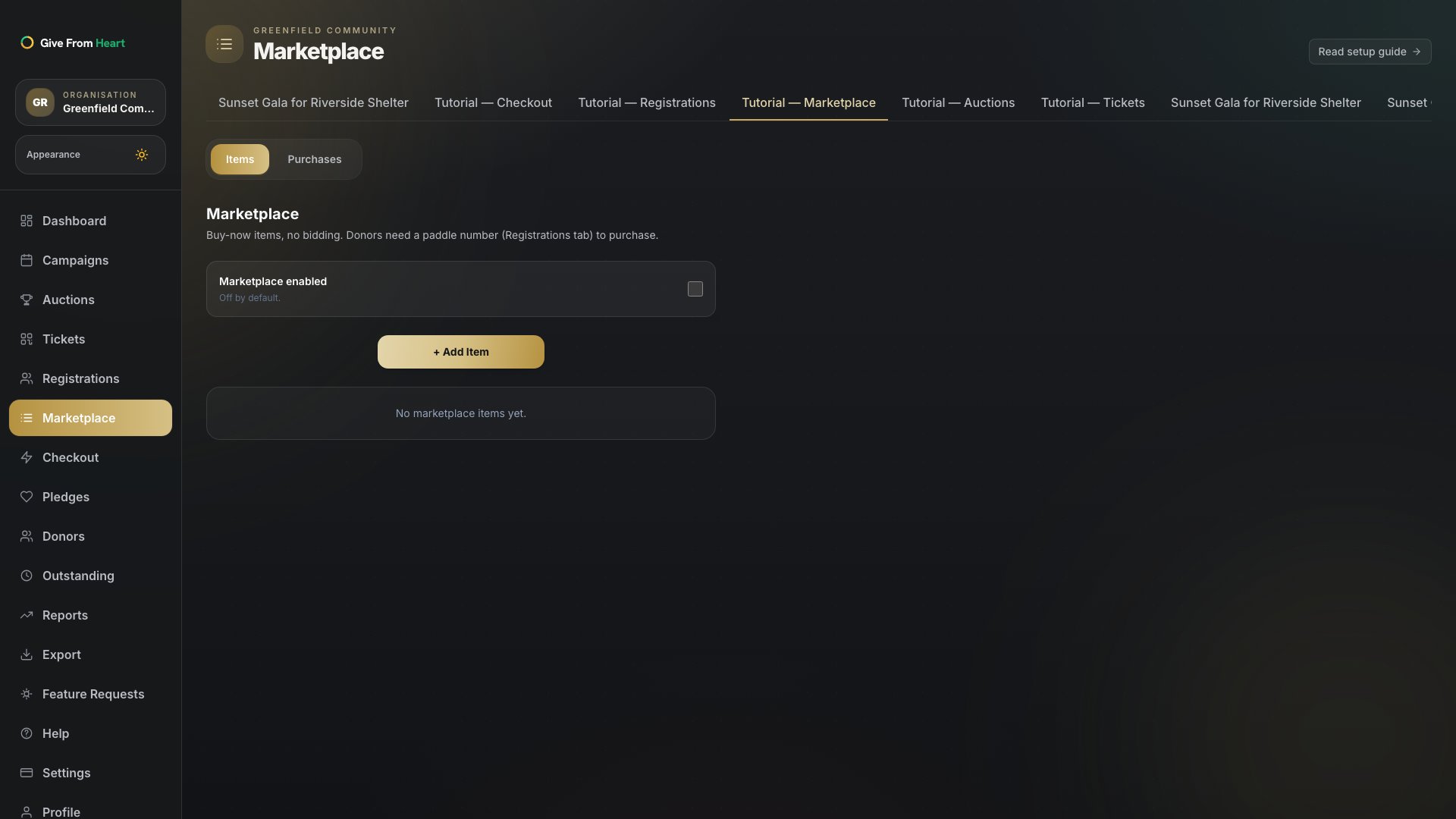
2. Turn Marketplace on
Marketplace is off by default — flip the toggle before donors can see it on your public event page. Turning it off later hides it again without deleting anything you’ve listed.
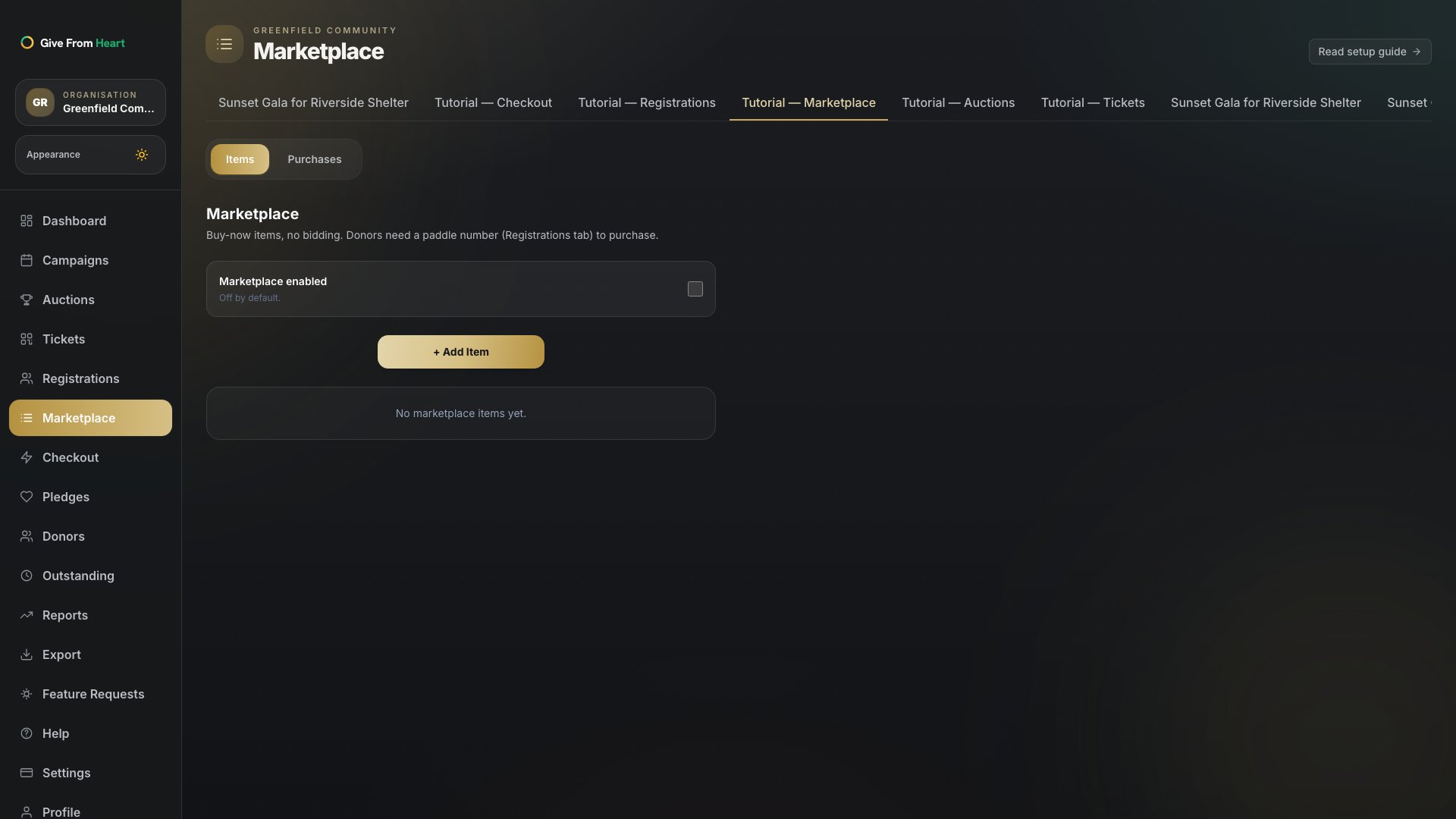
3. Add a buy-now item
Press "+ Add Item" and fill in a name, price and quantity — the three required fields. A per-donor limit is optional if you want to cap how many of one item a single donor can buy; inventory is enforced atomically, so it can’t be oversold even if several donors buy the last one at the same moment.