Guide · Updated 6 August 2026
How to set up donor registration, step by step.
Registration is where a paddle number comes from — the identity Auctions and Marketplace both build on. Most donors self-register by QR code, but the admin side matters at the door. Here it is, step by step.
1. Open Registrations
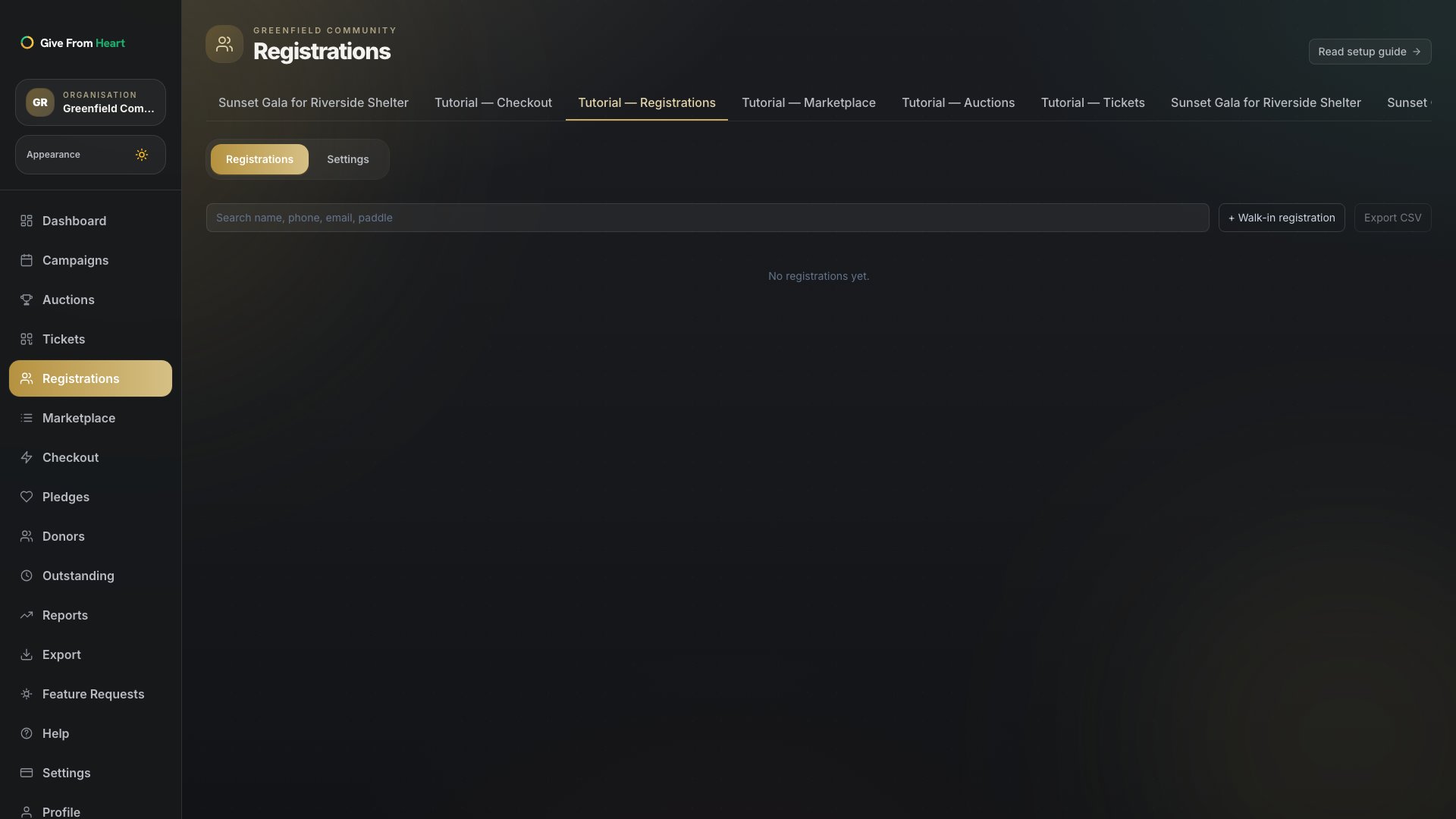
From a campaign, go to Registrations in the left nav. The Registrations tab lists everyone registered so far, searchable by name, phone, email or paddle number.
2. Add a walk-in registration
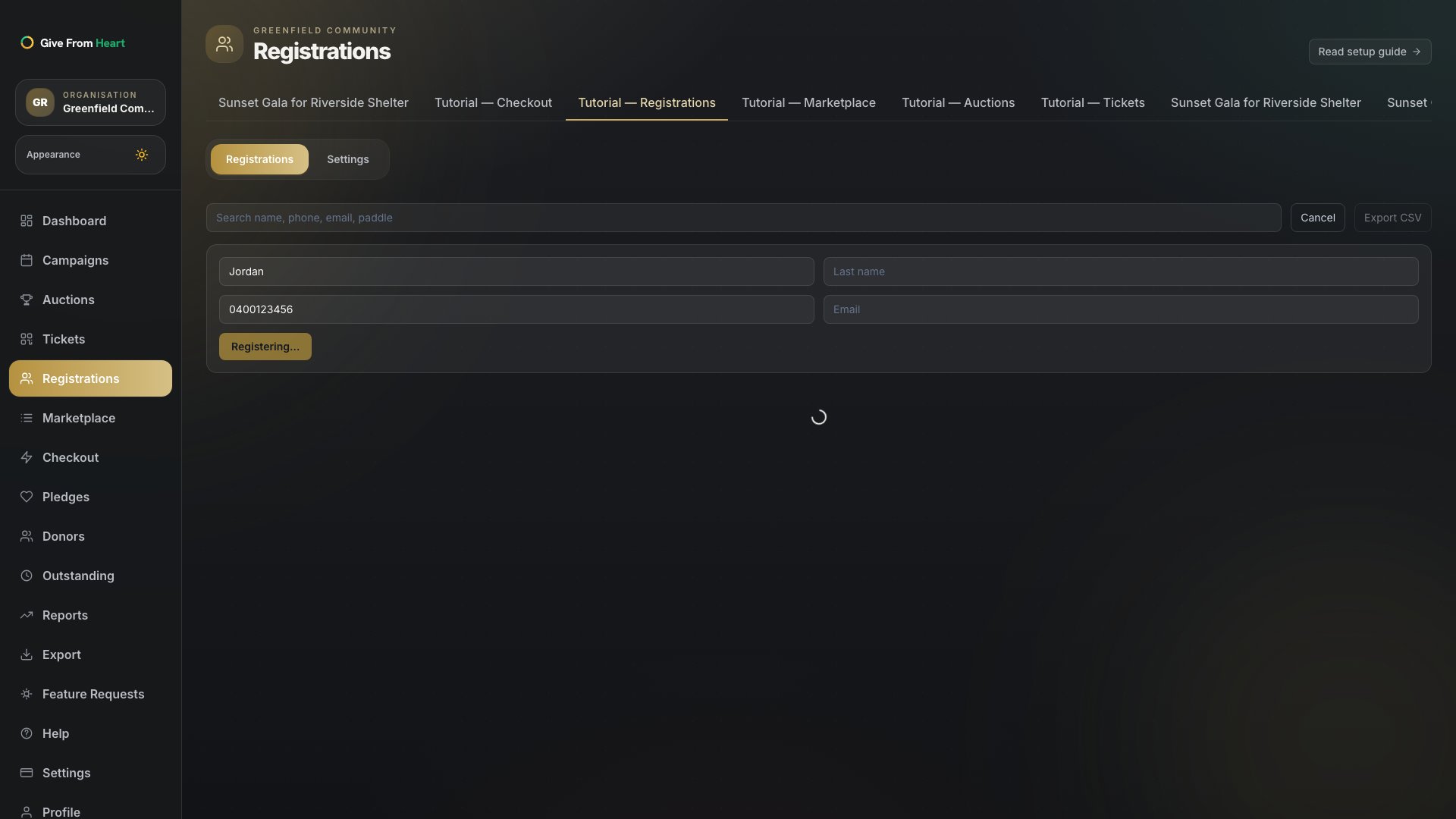
Press "+ Walk-in registration" for anyone who shows up without having scanned the QR code themselves — a first name plus either a phone number or email is all that’s required. A paddle number is assigned instantly and shown in a confirmation toast.
3. Export the registration list
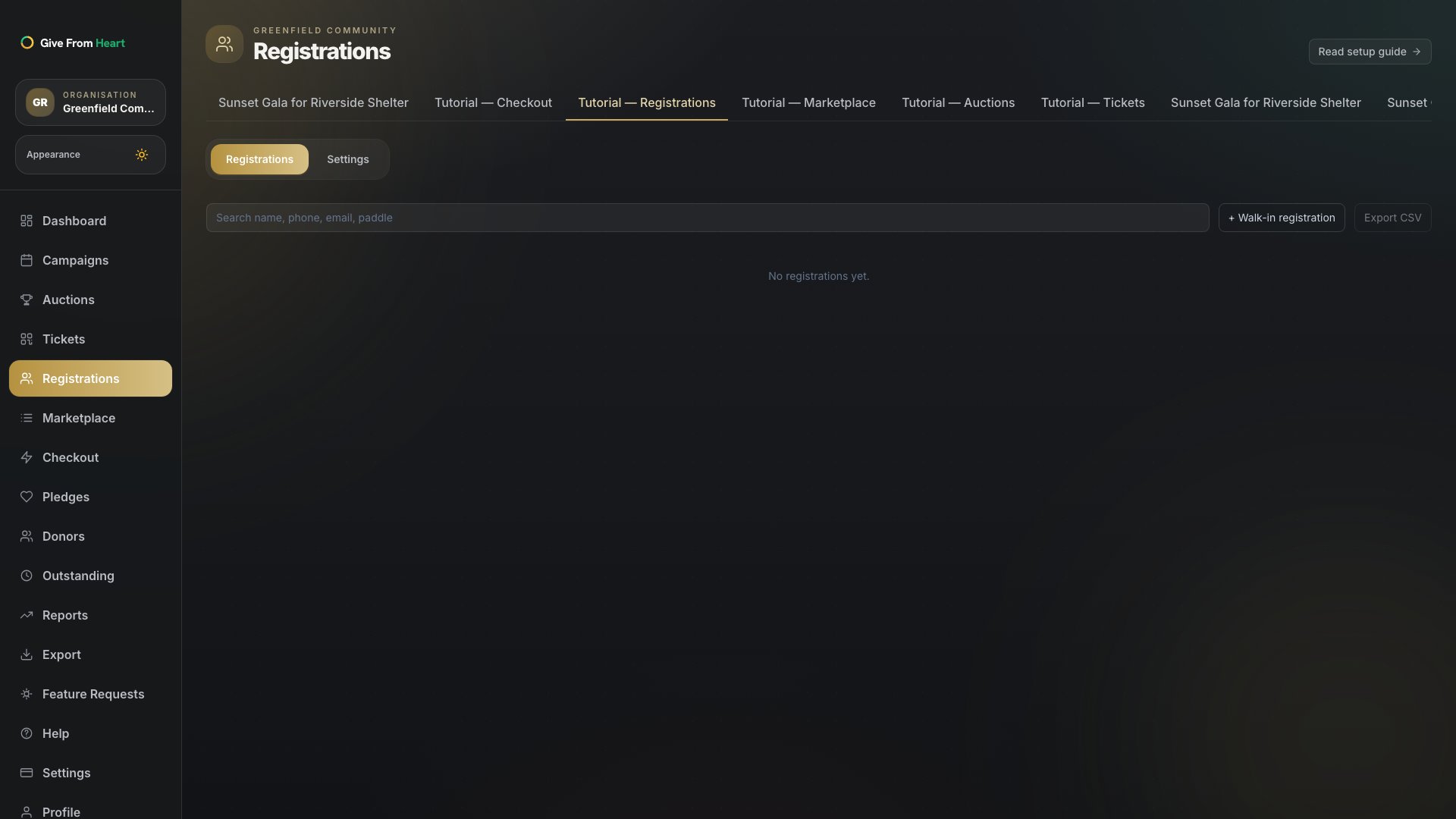
Press "Export CSV" any time to download the current list — useful for a printed paddle-number sheet at the door, or for reconciling attendance after the event.
4. Require registration before bidding (optional)
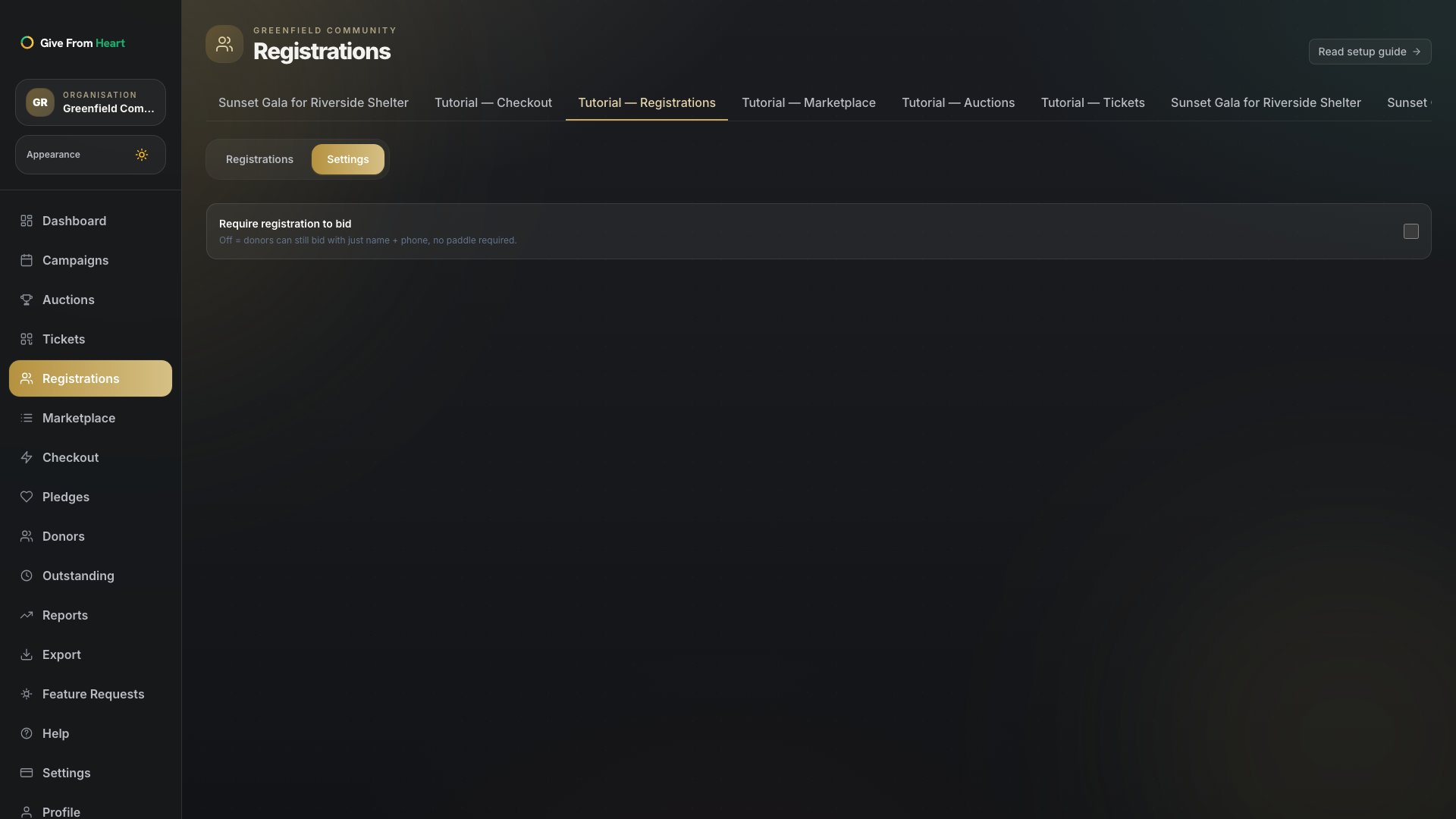
Under Settings, decide whether the auction requires a paddle number to bid at all. Off by default, so donors can still bid with just a name and phone number — turn it on if you want every bid tied to a registered identity from the start.