Guide · Updated 6 August 2026
How to set up consolidated checkout, step by step.
Every auction win and marketplace purchase becomes one payable tab per donor, texted as a single link with one payment for the whole night. Configure tips and fees first, then build tabs — here’s both, screenshotted.
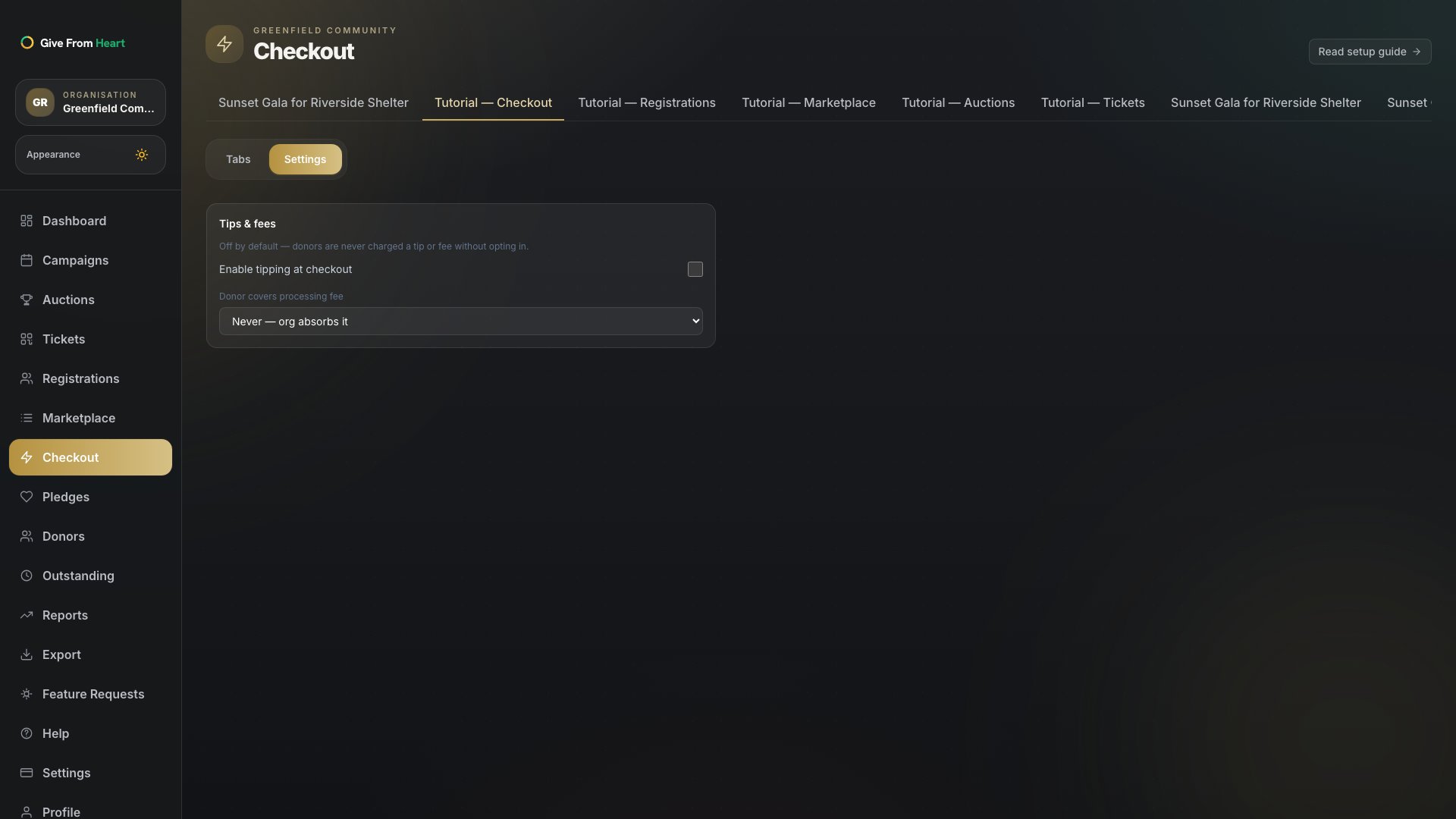
1. Open Checkout → Settings
From a campaign, go to Checkout in the left nav and switch to Settings. Configuring tips and fees before building tabs means every tab reflects your choices from the start, rather than needing a re-invoice afterwards.
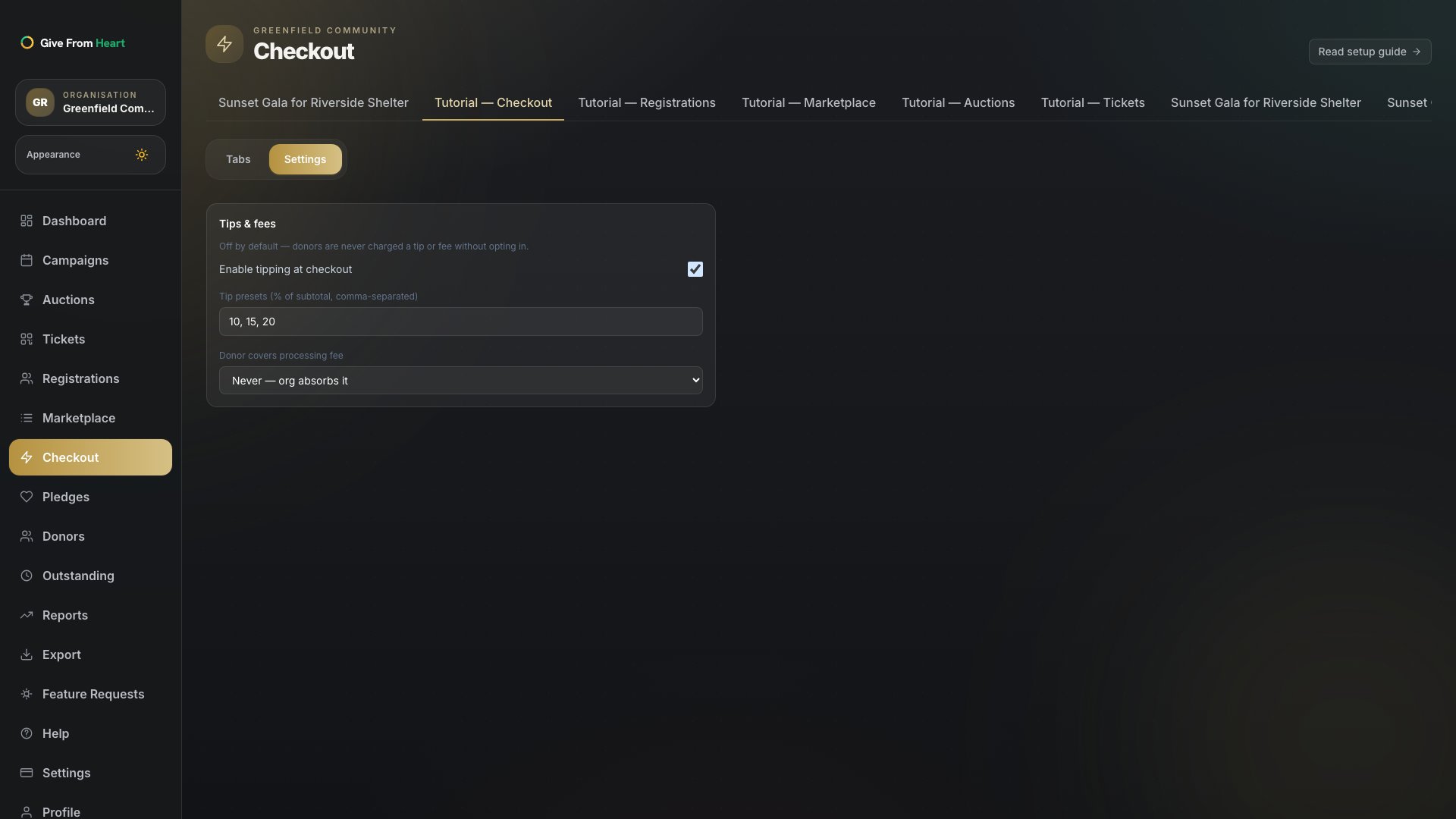
2. Turn on tipping at checkout
Tips are off by default. Turn the toggle on if you want donors to see a tip option when they pay their tab — nothing is ever added without the donor seeing and choosing it themselves.
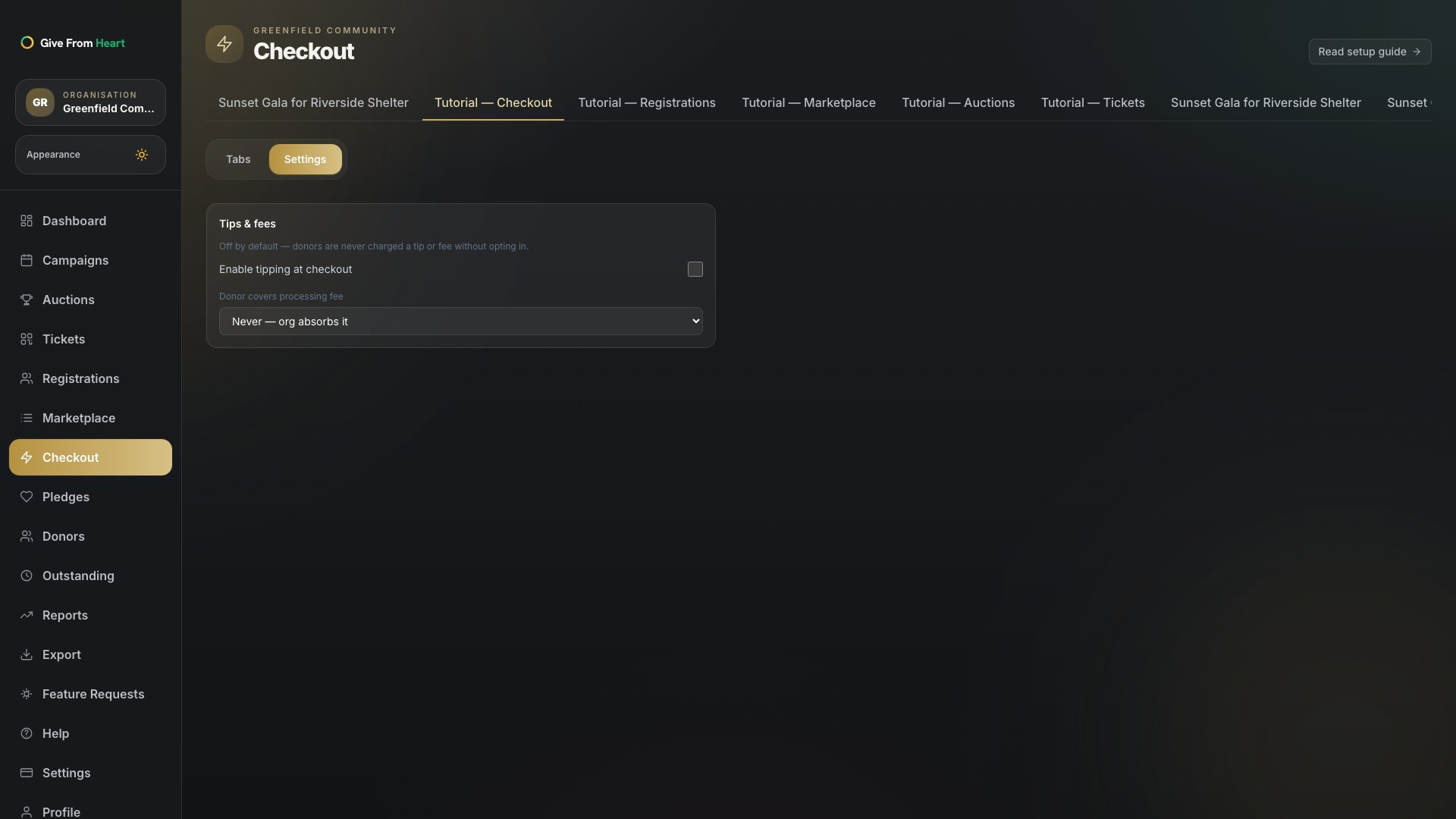
3. Choose how processing fees are covered
Pick Never (your organisation absorbs card processing fees), Optional (the donor can choose to cover it), or Always (added to every tab automatically). This is the same "no forced tips, admin controls fees" principle applied to the processing fee specifically.
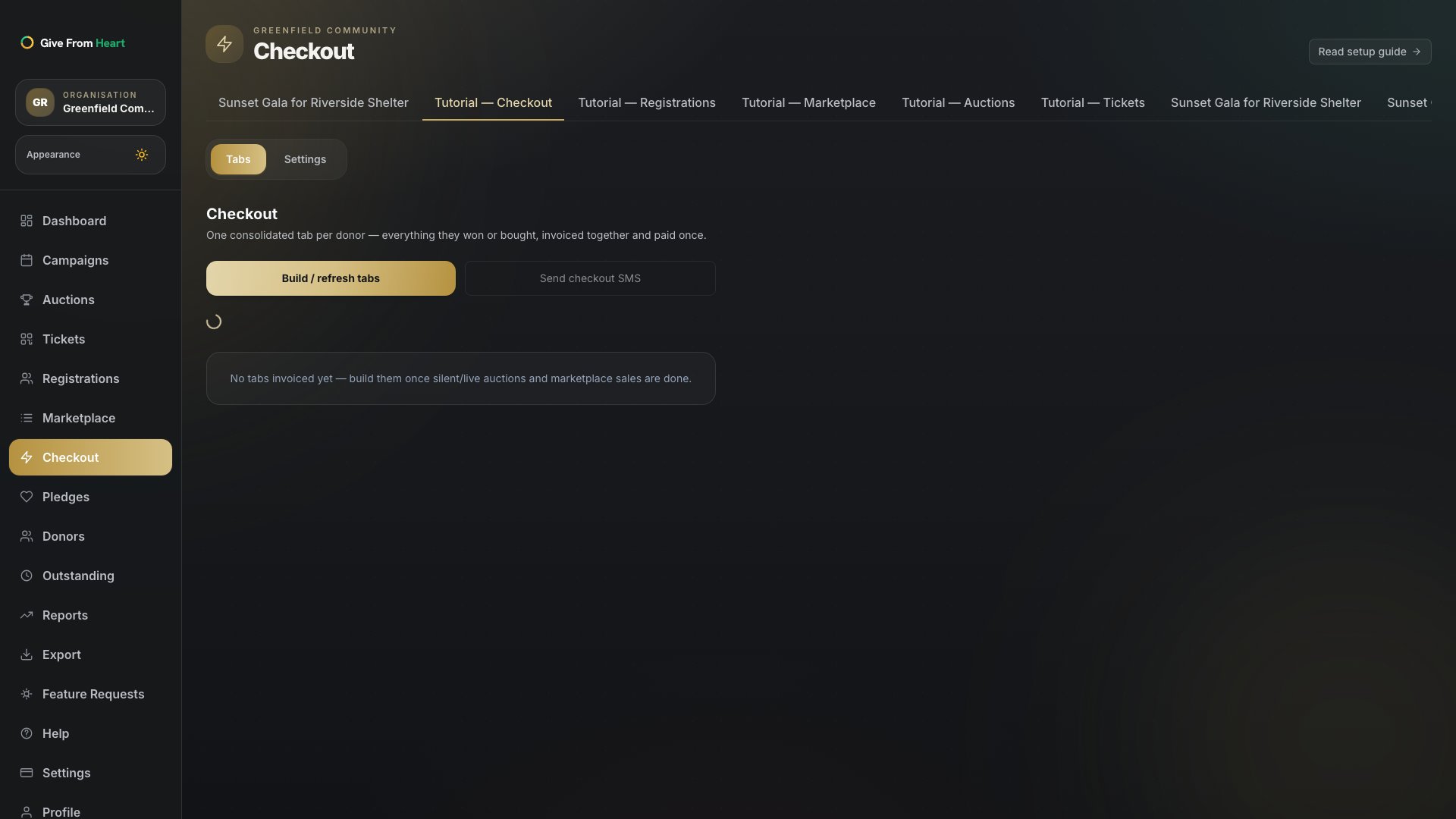
4. Build tabs from wins and purchases
Once the night’s auction wins and marketplace purchases are in, switch to the Tabs section and press "Build / refresh tabs" to consolidate everything each donor owes. From there, "Send checkout SMS" texts every donor with billable activity a one-tap payment link — resend individually for anyone who missed it.